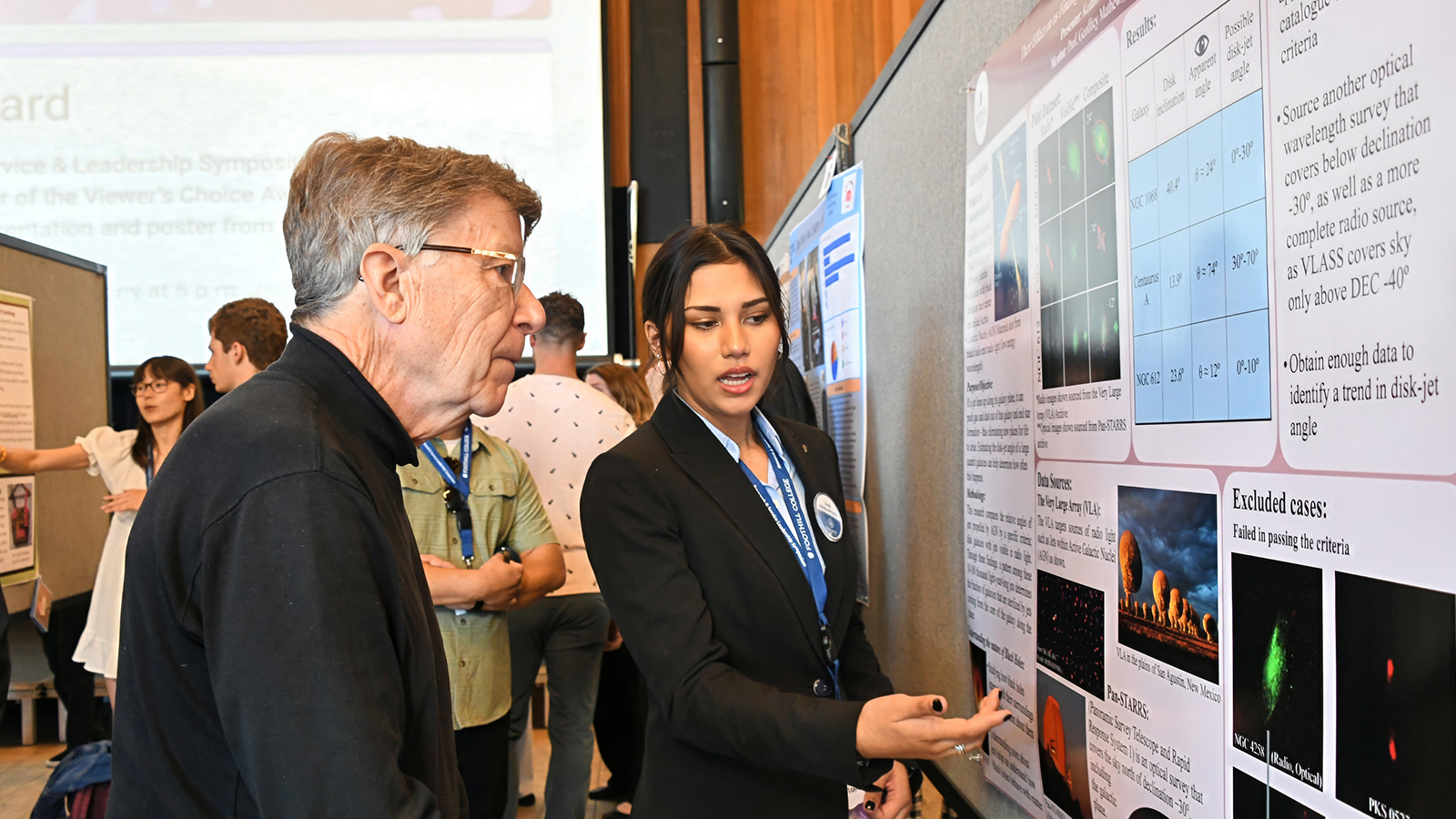
RSL Presenters
Presentation Guidelines
On Campus & Virtual Event
The Research & Service Leadership Symposium is held both on campus and virtually through a series of Zoom rooms on Canvas. We will also livestream the virtual presentations on Foothill campus. In order to ensure the success of the event, we will be doing ample preparation including confirming your participation, gathering presenter bios and presentation materials for the event in advance, and encouraging specific formats for your presentations.
We will hold workshops throughout the year in order to provide guidance, review, and practice.
Types of Presentations
On Campus Presentations
- 10-minute Presentations: slide presentations, talks, performances
- 1-hour Poster Sessions/Art Gallery Showcases
Zoom Formats
- 10-minute Presentations: slide presentations, talks, performances
A Note on Presentation Time: 1 Hour
Regardless of what presentation type you are selecting, you will be expected to be available for at least 1 hour. This will allow for some flexibility in the order of presenters, and it will also show respect for your fellow participants within your chosen time slot.
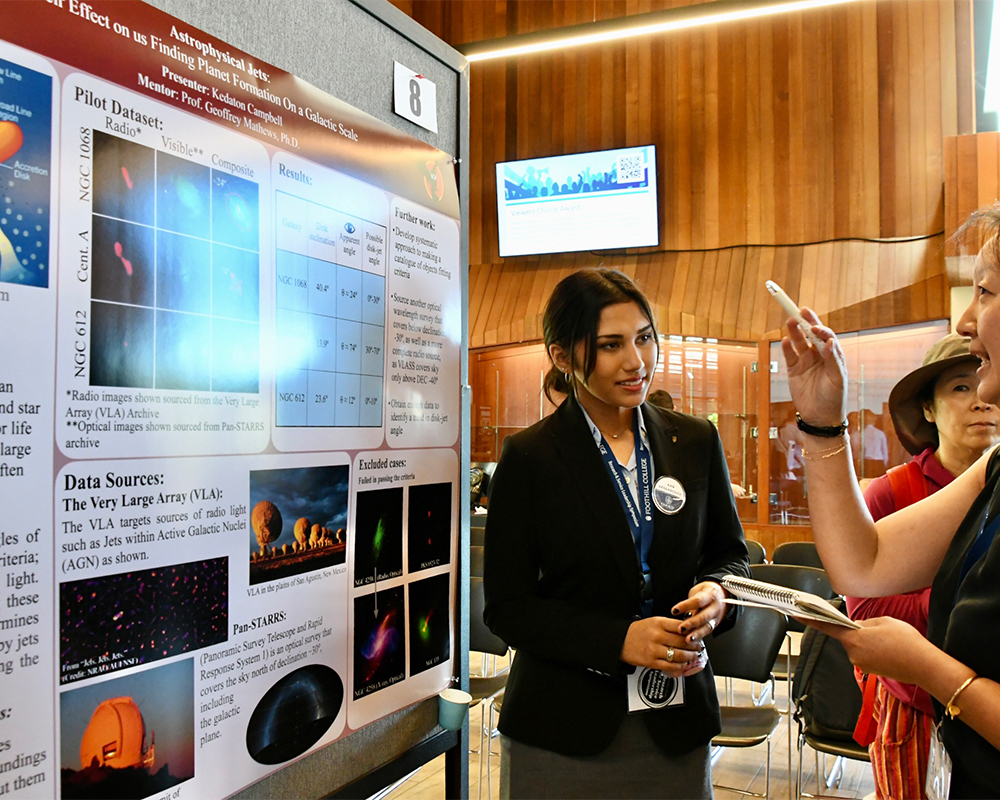
1/5
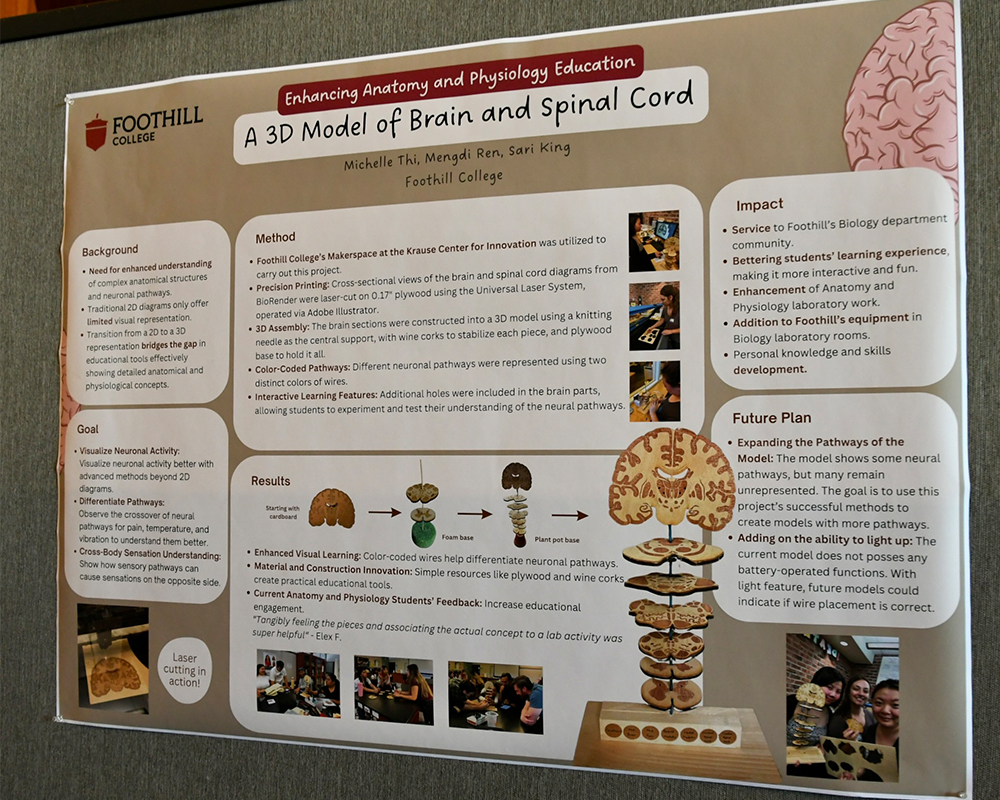
2/5
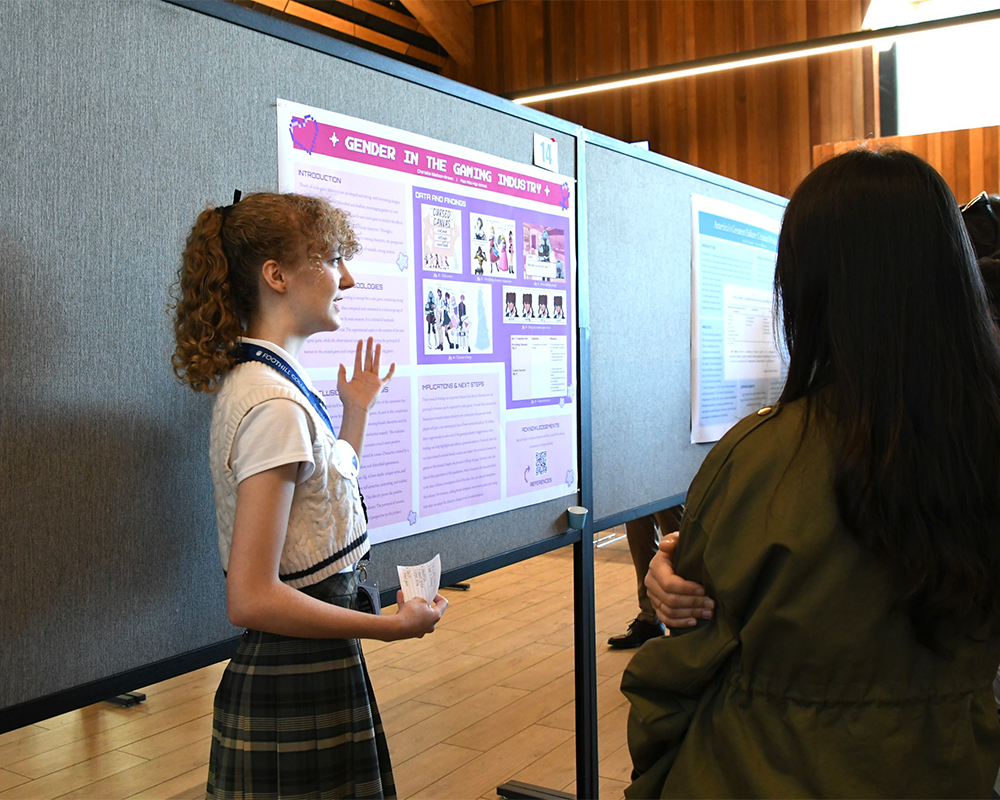
3/5
4/5
5/5
Checklist for Presenters By Quarter
| Deadlines | Action |
|---|---|
| Week 3 |
Fall Workshops begin |
|
Weeks 3–9 |
Attend ongoing Discovery & Application Workshops |
| Week 9 |
Application Opens |
| Deadlines | Action |
|---|---|
| Week 3 |
Winter Workshops begin |
|
Weeks 3–11 |
Attend ongoing Project Development & Application Workshops |
| Week 12/Spring Break |
RSLS Applications Due |
| Deadlines | Action |
|---|---|
| Week 1 |
Check application status for approval, conditional approval, or decline. |
|
Week 2 |
|
| Week 3 |
|
| Weeks 3-5 | Attend ongoing presentation prep workshops. |
| Week 5 |
|
| Week 6 |
|
| Week 7 |
|
Day of Presentation: Spring Week 7, Thu. 9 a.m.–5 p.m.
- Review the RSLS Official Event Schedule for your time, room, and presentation order.
- Join the Symposium on Campus or in Zoom through the RSLS Event Page on Canvas.
- Check in at the Welcome Center booths [2016, Dining Hall, and 3400] to pick up your name tag and/or poster and find your room.
- For 10-min presentations: be sure to have submitted your presentation links through the update requests and also have your slides or presentation ready as a link in the cloud (Google, Canva, Microsoft 365), on a thumbdrive, or on your computer (Zoom only).
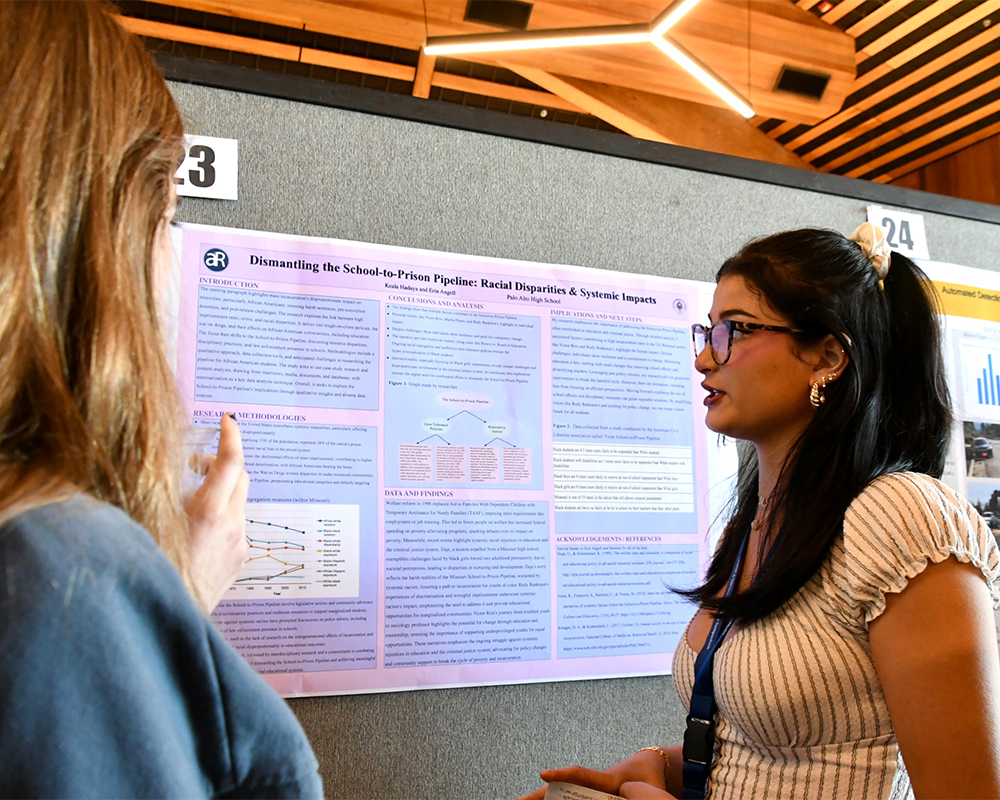
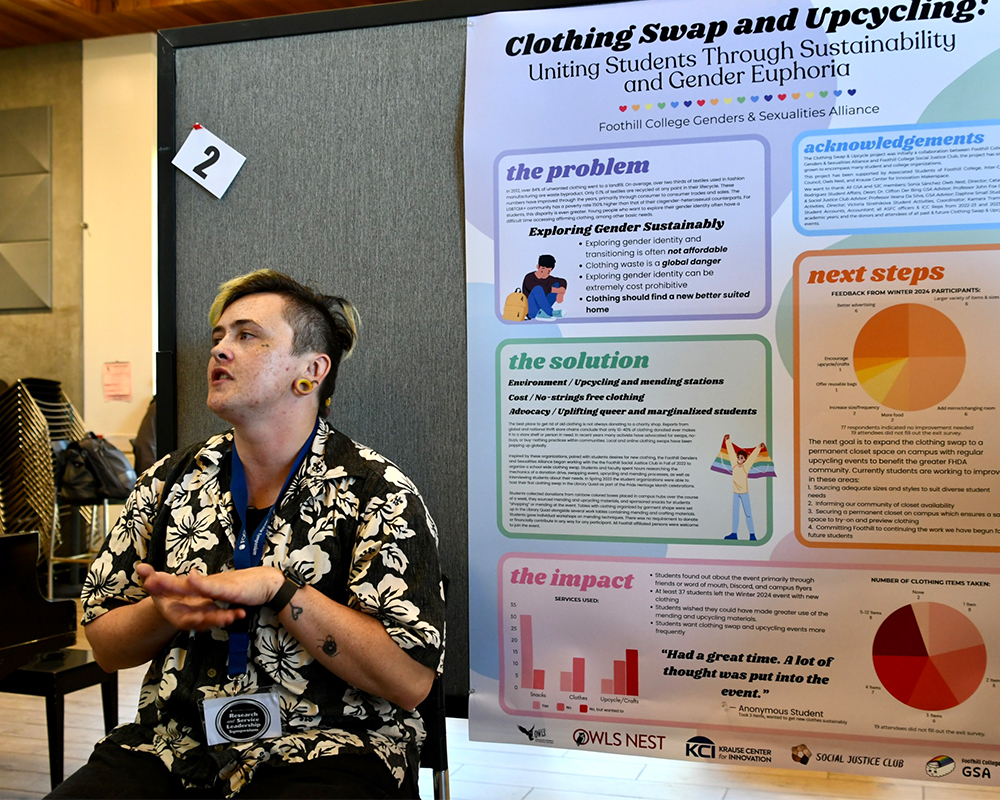
- For poster sessions/art gallery: bring your poster or artwork to the room ready to hang.
- Make sure you know in which room you are supposed to present (on-campus or Zoom): Dining Hall, Toyon, Altos. BIPOC Center, or BSS Rooms (3400).
- Arrive at your physical or virtual room at least 10 minutes before your presentation hour. Presenters from the prior session may still be presenting: please wait patiently until your session begins.
- If in Zoom, check that your screen name matches the name you used on your RSLS application so we can verify you as a presenter and admit you prior to your session.
- You only have 10 minutes for your presentation.
- Practice your presentation beforehand to ensure you stay within the 10-minute time limit.
- You will need to introduce yourself to the audience.
- You will receive a 2-minute and 1-minute warning from the facilitator. The facilitators will stop you at the 10-minute mark.
- You will field 2 minutes of questions after your presentation.
- You are responsible for sharing and advancing your own slides the day of the presentation. The facilitator for your panel will NOT manage the computer.
- Practice your presentation with your slides so you are comfortable advancing your slides as you speak.
- Practice sharing your screen in Zoom if you are presenting online.
- Have your slides or presentation ready in the cloud, on a thumbdrive, or (for Zoom only) on your computer.
- All video and audio must include captioning or transcripts. (Use Canvas Studio for easy transcription.)
- If presenting in Zoom, make sure you “share your sound” and “optimize for video” as needed.
- Test your audio and video in a number of different Zoom settings with family and friends.
- You will field 2 minutes of live questions after your presentation.
Poster Guidelines
- Posters must be properly sized for viewing, following the guidelines in the RSLS website. Use this template for Google Docs to guide you.
- All posters must be printed prior to the day of the event and ready to hang at the scheduled time.
- For free poster printing, follow these instructions to submit your request by Wednesday, Week 6 of the Spring quarter. After that, you are responsible for your own printing.
- Include posters as JPEG or PNG, file formats only.
Free Printing at Foothill's Welcome Center & Design Center
As an RSLS participant, you have access to free printing of your posters at the Foothill Welcome Center in the 2000 building on campus.
- Posters must be properly sized for viewing, following the guidelines below.
- All posters must be printed prior to the day of the event and ready to hang at the scheduled time.
- For free poster printing, follow these instructions to submit your request by Week 6 of the Spring quarter. After that, you are responsible for your own printing.
- Include posters as JPEG or PNG, file formats only.
- Contact the Welcome Center to find out more details and to know when your poster will be ready.
- Pick up your poster at the Welcome Center before the event or on the day of the event: Campus Center, Building 2000, Upper Level, Room 2016.
Making a Poster Using Google Slides
If you would like to create a poster in Google, use the following tips for formatting:
- Go to your Google Drive.
- Click: New > Slides
- Click: File > Page Set Up
- Click on the box with the two arrows > Select: “Custom”
- Enter: 48 x 36 Inches
- Physical art gallery pieces can be in a variety of formats and mediums. Please check with the RSLS Coordinators for display options: RSLS@fhda.edu.
- For free printing of your art, follow these instructions to submit your request by Week 6 of Spring quarter. After that, you are responsible for your own printing.
- When submitting for judges’ review, include art as JPEG or PNG file formats only.
- Attend RSLS Presentation Workshops.
- Tutors at the Foothill Tutoring Center are here to help you prepare for your presentation! Visit https://foothill.edu/tutoring and click on “Go to Drop-In Tutoring.”
- On-Campus Tutoring Center Drop-in hours: M-Th @ 11 a.m.–5 p.m.
- Online Tutoring Center Drop-in hours: M-Th @ 11 a.m.–7 p.m.; F @ 11 a.m.–4 p.m.
- Tutoring Hours with RSLS Coordinators, Allison Herman & Sam Fleischer: view tutoring schedule.

Contact UsResearch & Service Leadership SymposiumBuilding 6000, Office 6038, Main CampusRSLS@fhda.edu |
